
Get a Customized Solution for Your IT Needs
+91 702-705-8777
info@pansofic.com
55-56, 1st floor, Chandigarh Complex, Prabhu Prem Puram, Ambala Cantt, Haryana 133006






Discover 6 AI text-to-video tools for small business marketing, including InVideo, Pictory, Lumen5, Canva, Synthesia and VEED. Compare their features, creative controls, branding options and pricing considerations to find the right tool for creating promotional videos, product explainers, social media content and customer education without relying on traditional filming.
Small businesses need videos for product launches, customer questions, and regular social posts. Finding time to film each one can be difficult.
AI text-to-video tools turn written ideas into a starting draft. Some build complete videos; others create short clips or presenter-led explanations.
This comparison considers starting material, editing controls, branding, and access limits. Begin with your video marketing strategy, then choose the workflow that fits your regular content.
Tool | Best fit |
Invideo | Complete videos from prompts and briefs |
Pictory | Approved scripts and educational content |
Lumen5 | Blog posts turned into social videos |
Canva | Short clips for marketing designs |
Synthesia | Presenter-led service explanations |
VEED | Social videos with flexible editing |
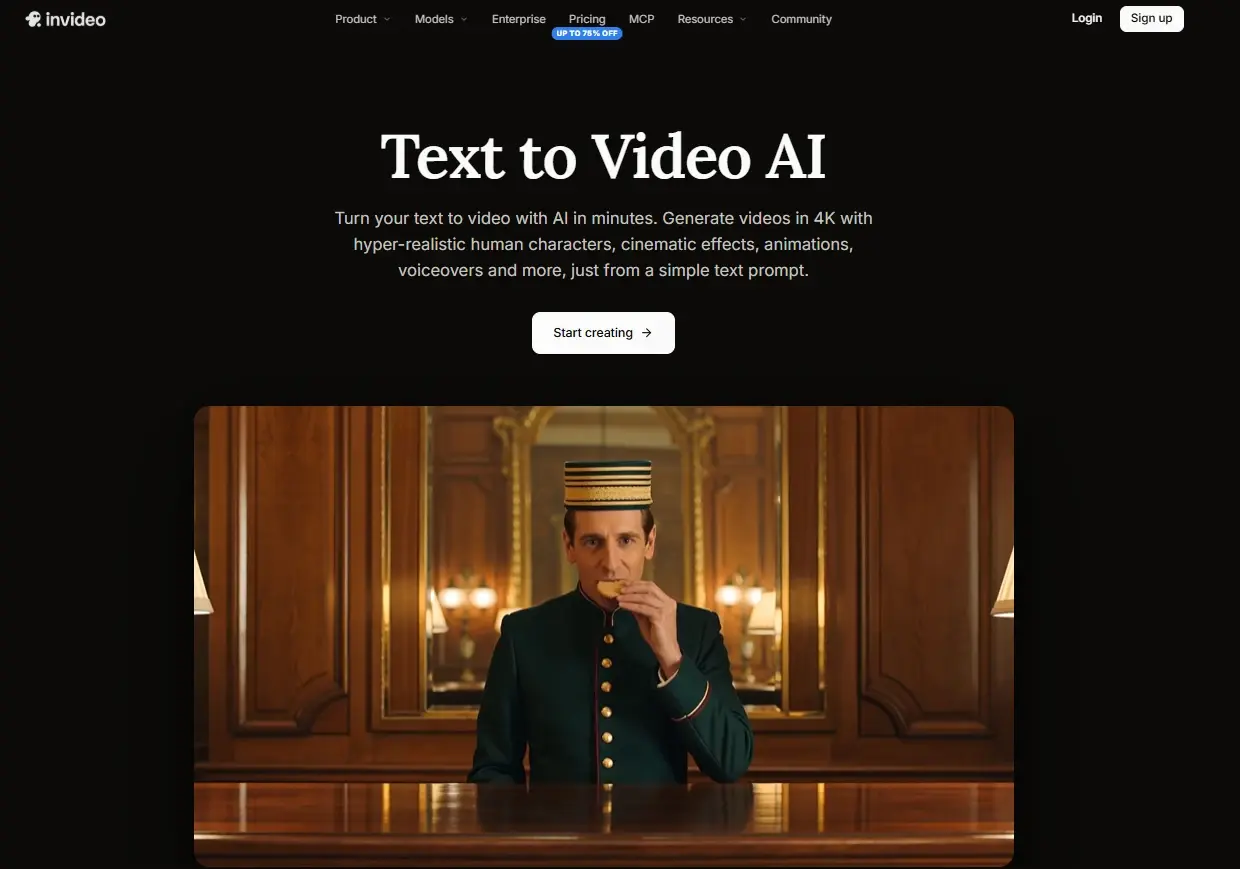
Best for: Complete marketing videos from a written brief.
Invideo turns prompts, scripts, and documents into ads, explainers, and social videos. Its Text to Video workflow creates scenes, voiceovers, subtitles, music, and edits. You can describe realistic characters, their movements, interactions, and surroundings, or choose animation and cinematic styles.
Campaign options include product ads, UGC-style promos, and localized content. Short cinematic shots include eight-second clips in 1K, 2K, or 4K. Models include Seedance 2.5, Gemini Omni Flash, Veo 3.1, Kling and MiniMax H3; output options depend on the model. Some models offer realistic lighting, consistent characters, and native audio generation.
An AI co-writer helps shape scripts, and storyboarding turns ideas into a shot-by-shot plan. Upload a brief to AI agents to generate and organize clips on an editable timeline. You can adjust scenes, refine details, and export the result.
Multiplayer editing includes live cursors for real-time teamwork. Custom agents can take roles such as cinematographer or music designer. AI generation draws on credits, with model access tied to your plan.
Verdict: A strong choice for businesses that want generation, planning, teamwork and editing together.
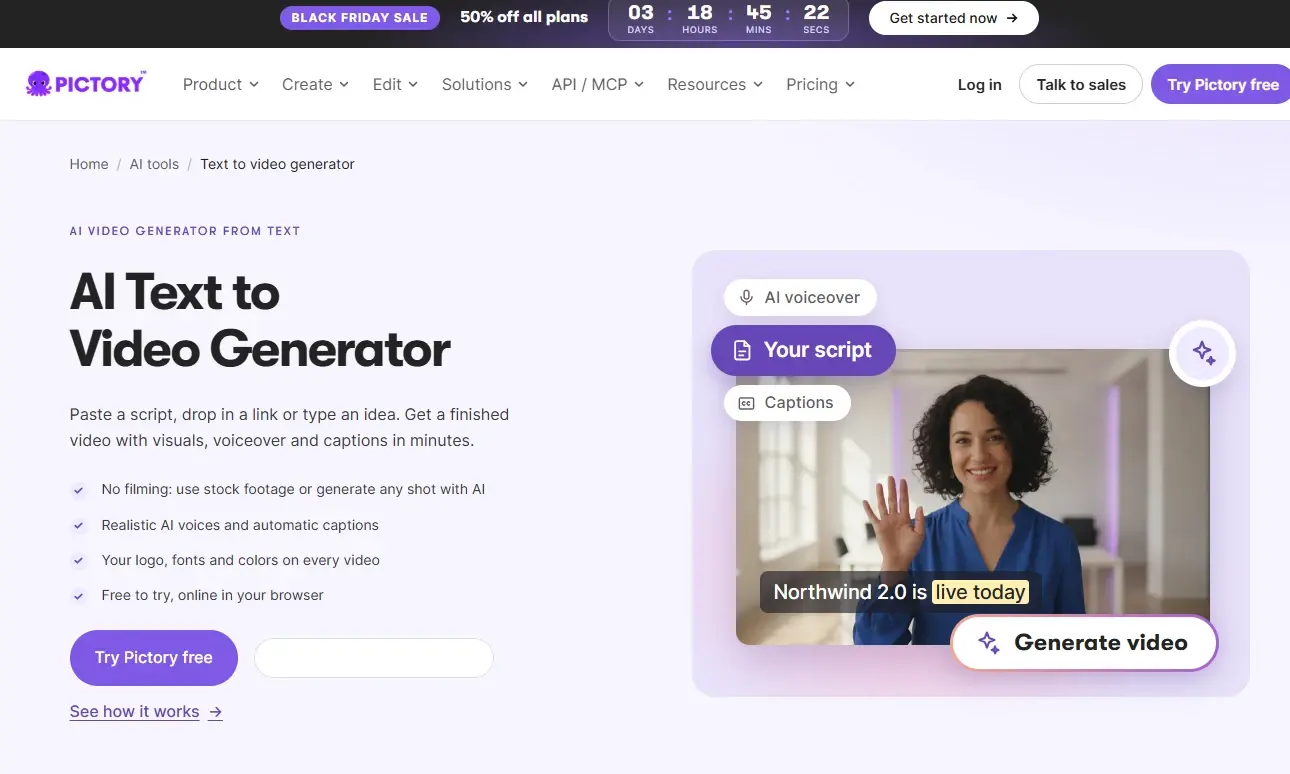 Best for: Turning approved scripts into repeatable video content.
Pictory converts scripts, notes and articles into scenes with matching visuals, narration and captions. You can keep an approved script or reshape the wording before building the video. That makes it a practical fit for educational content, product explanations and regular updates.
The scene editor lets you change visuals, text, voices and timing. Brand kits bring logos, fonts and colors together, helping a small team keep its videos consistent. Stock media and AI-generated visuals provide different ways to illustrate the message.
A short buying guide is a useful starting point. Give each scene one clear idea, then check that the chosen footage matches the product or advice. This keeps the video focused and gives viewers time to follow the message. Finish with a practical next step that matches the topic.
A free trial is available. Paid plans remove Pictory branding, and AI features draw on the plan’s credits.
Verdict: A good option when your marketing message is already written and you want to turn it into a clear, branded video.
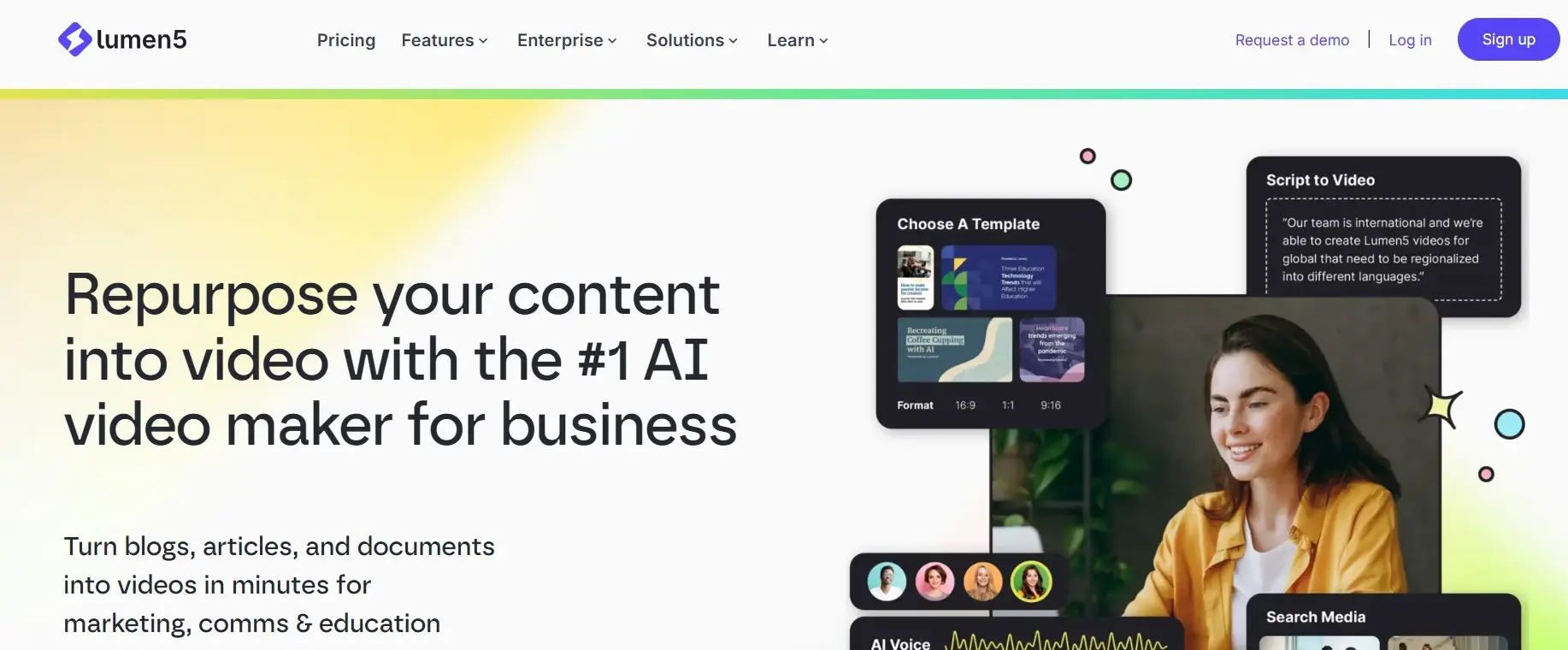
Best for: Repurposing business articles into social videos.
Lumen5 starts with a blog URL, pasted text, a script or an outline. It builds scenes, selects media and adds layouts, timing and transitions. Businesses with a useful archive of advice articles can turn those ideas into regular social content.
You can shorten the script, replace visuals and adjust the pace after the first draft. AI narration and branded templates help shape the finished video, with allowances depending on the plan. This makes content repurposing easier to build into an existing publishing routine.
Choose one takeaway from each article instead of squeezing the entire post into a video. A focused tip, short checklist or answer to a customer question gives the edit a clear purpose. Review every scene before publishing to catch text that feels too dense. Keep the final message closely connected to the original article.
The free plan includes five videos monthly, with a two-minute limit and a Lumen5 branded outro.
Verdict: Choose Lumen5 when your main goal is to give existing written content a second life as short, branded videos.
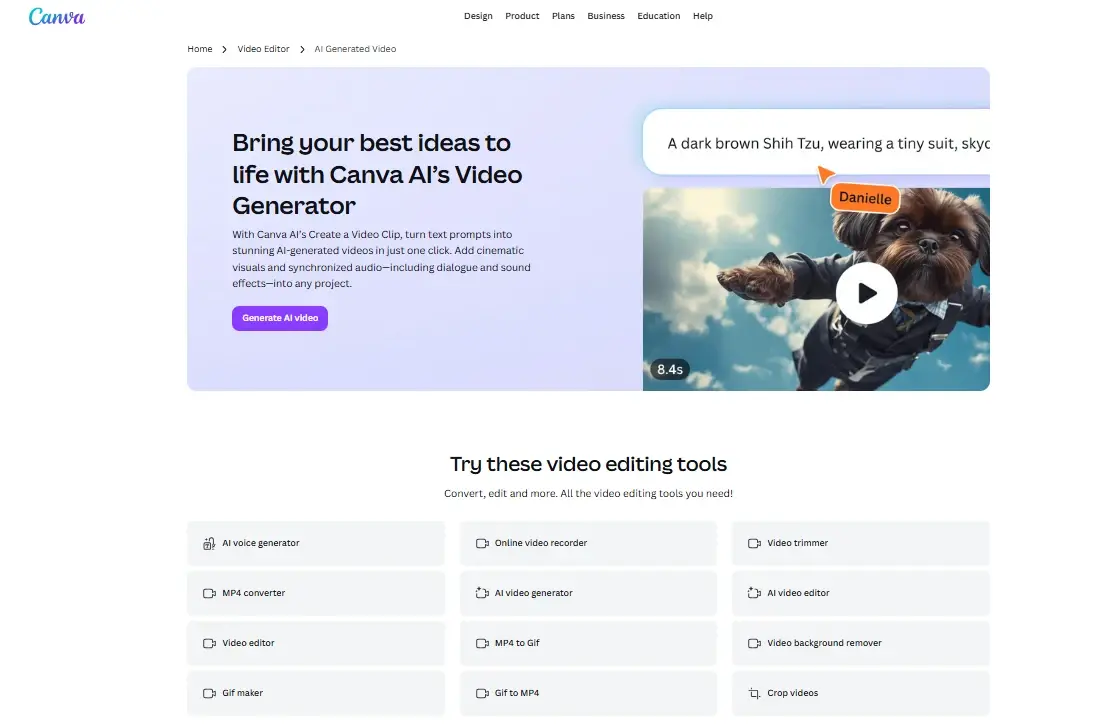
Best for: Adding generated clips to existing marketing designs.
Canva’s Create a Video Clip feature turns a written prompt into a short video with synchronized audio. The current feature produces clips up to eight seconds long, which can then be added to a design and edited.
From there, you can arrange footage, trim scenes and add text, music or brand elements. This suits teams already preparing social posts, presentations and promotional designs in Canva. A generated clip can become one part of a larger campaign video alongside product photos and other footage.
For a product launch, plan the clip around one simple visual idea. Pair it with real product images and a clear offer so viewers understand what is being sold. Check that generated details do not misrepresent the item. This approach gives the campaign creative variety without losing product accuracy.
Access depends on the eligible plan and monthly allowance. Longer videos need additional scenes and editing beyond the generated clip.
Verdict: A practical choice for existing Canva teams that need short visual assets within a familiar design workflow.
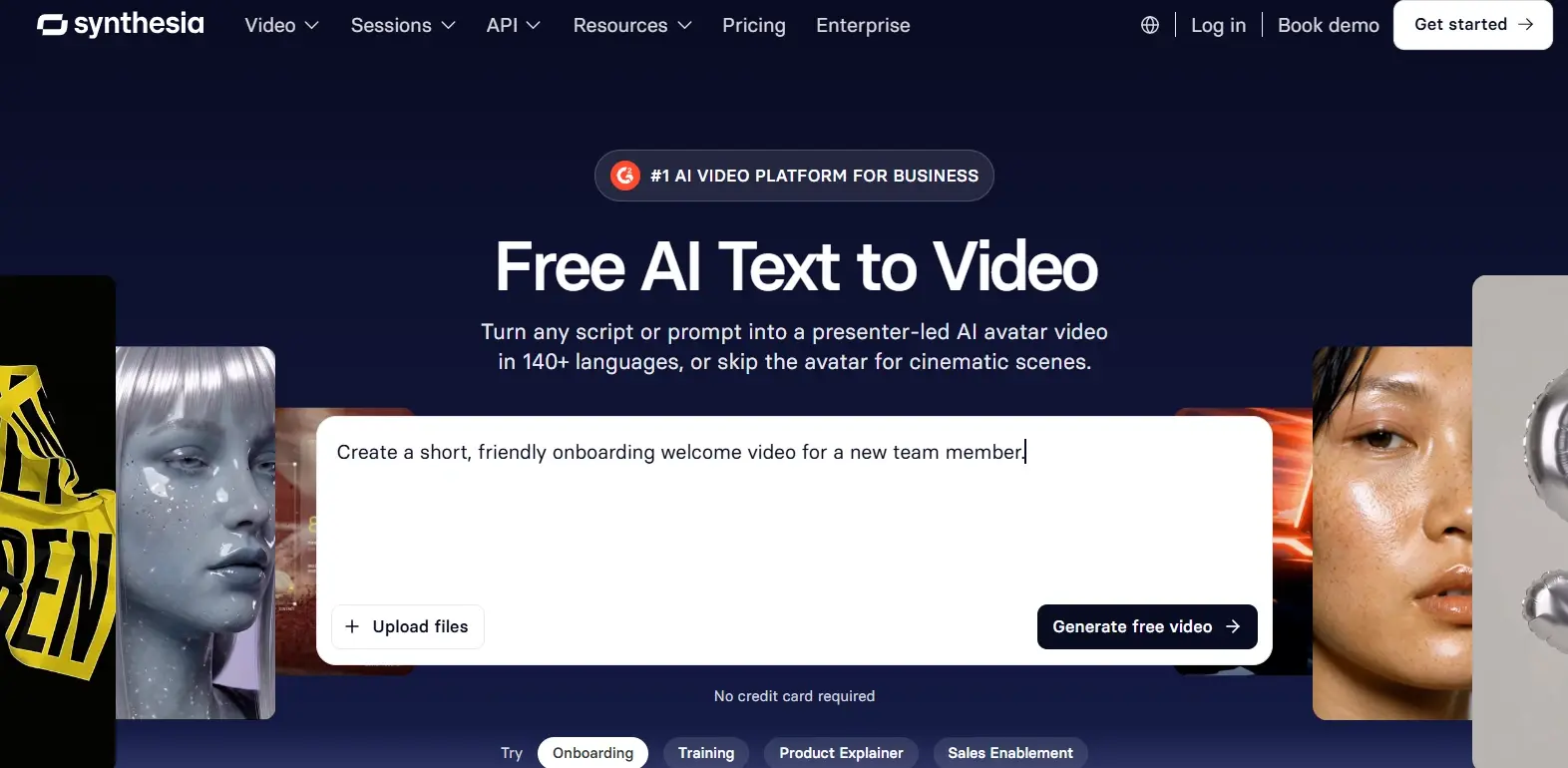
Best for: Presenter-led explainers and customer education.
Synthesia turns scripts, prompts and documents into videos with AI presenters, narration, visuals, captions and music. Voiceovers in more than 140 languages make it relevant to businesses explaining their services to customers in different markets.
You can revise the script, change the presenter or voice, and update individual scenes. Videos can also have voiceover without an avatar. For a service business, that flexibility helps create clear introductions, product walkthroughs and answers to common customer questions without arranging a new recording for every update.
Keep the script conversational, with short sentences and familiar words. Break a longer explanation into separate scenes, and show the product or process when the spoken description needs support. Review names, technical terms and pronunciation before sharing the finished video. Read the script aloud first to catch awkward phrasing.
A paid plan is needed for downloadable videos without the Synthesia watermark. Brand Kits require the Team or Enterprise plan.
Verdict: A suitable option when a clear spoken explanation is central to the message and you need content that is straightforward to update.
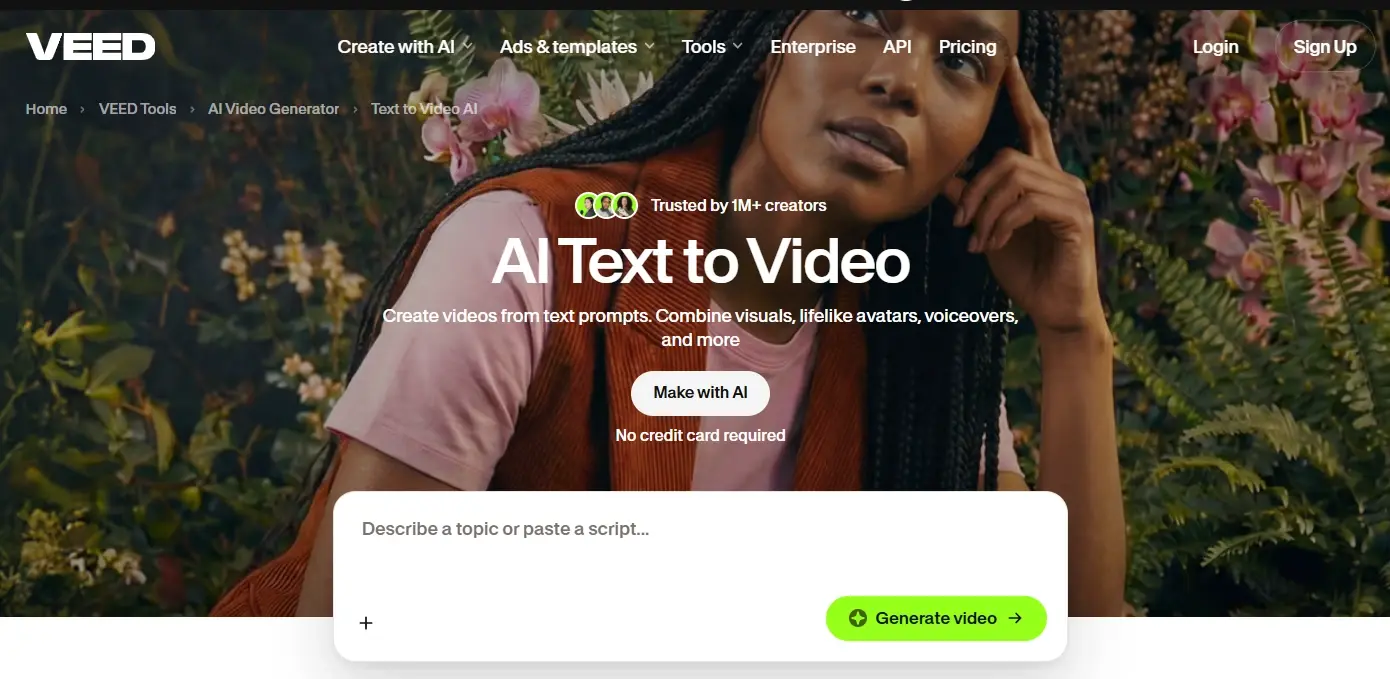
Best for: Creating social videos and refining them afterward.
VEED turns a script, idea or article into a scene-based video with matched visuals, narration and captions. You can choose an avatar or voice-only narration, then adjust the script to reflect the offer and tone of your business.
The editor lets you replace footage with uploaded media, stock clips or generated visuals. Caption styling, music, brand fonts, colors and logos help prepare the final version. Format changes also support different channels, making the tool useful for teams that adapt one message across several social placements.
Start with one main version, then review each channel’s edit separately. A headline that reads well in a landscape video may need different placement in a vertical frame. Keep captions clear and leave enough room for the product or presenter. Review the opening scene to make the offer immediately clear.
AI generation runs on credits. Check the generation allowance and export terms for the specific VEED workflow you choose.
Verdict: A flexible option for businesses that want a generated starting point and accessible controls for finishing their social videos.
Try one real brief before committing. Check whether the visuals match your offer, narration sounds natural and captions are readable on a phone. Review brand consistency, revision costs and the time needed to finish each video.
Invideo is a strong starting point for complete marketing videos. Pictory and Lumen5 suit written-content repurposing, Canva fits short visual assets, Synthesia supports spoken explanations, and VEED offers flexible editing. Choose the workflow that matches your most frequent task.
Yes. Depending on the tool, videos can combine generated scenes, stock media, narration or AI presenters. Add real product images when exact details matter.
Yes. Choose one main takeaway, shorten long sentences and remove unnecessary detail. Review the selected visuals so they support each point.
They can help you test a workflow. Check download access, watermarks, video length and AI allowances before planning regular campaigns.
Describe the audience, offer, main benefit, tone, length and intended channel. Add visual details and a clear next step for viewers.


 Seo Admin
Jan 21, 2026
 Seo Admin
Nov 07, 2025
 Seo Admin
Apr 17, 2026
 Seo Admin
Dec 24, 2025
 Seo Admin
Jan 30, 2026