
Get a Customized Solution for Your IT Needs
+91 702-705-8777
info@pansofic.com
55-56, 1st floor, Chandigarh Complex, Prabhu Prem Puram, Ambala Cantt, Haryana 133006






Compare 6 AI video editors for small business YouTube teams, including InVideo, Descript, Adobe Premiere, Filmora, DaVinci Resolve and VEED. Explore their AI features, editing controls, collaboration tools and export options to find the right fit for your workflow. Learn how these tools simplify editing, improve captions and audio, create YouTube Shorts and support team reviews.

A small business YouTube channel can have useful footage and still struggle to publish. Product demos need tighter cuts, interviews need clearer sound, and every video needs captions, consistent branding and a final review. Those jobs often fall to the same people who manage the rest of the marketing.
AI video editors can help with rough cuts, dialogue cleanup and shorter versions. The right choice depends on your footage, editing skills and how the team shares work.
Compare editing control, AI allowances, team access and export options. Connect your channel to a clear digital marketing strategy so each upload has a business purpose.
Editor | Main strength |
Invideo Editor | Shared timeline and AI agents |
Descript | Editing through spoken text |
Adobe Premiere | Complex edits and review workflows |
Filmora | Routine videos and short clips |
DaVinci Resolve | Detailed color and audio finishing |
VEED | Browser editing and team feedback |
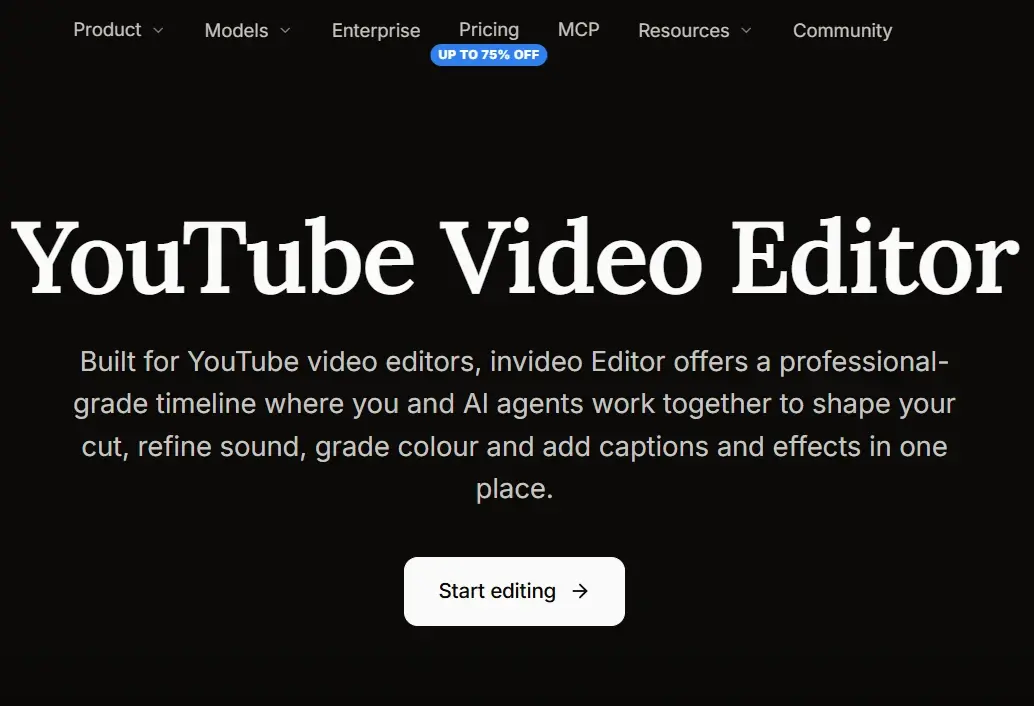
Best for: Shared editing with AI assistance and manual control.
Invideo Editor combines a browser timeline with AI agents. Its YouTube Video Editor helps teams shape footage, sound and captions in one project.
Agents log dialogue, people, objects and camera angles, remove pauses and failed takes, build rough cuts, cut to beats you mark and match reference pacing. You can connect an external AI assistant too.
Editing tools cover transcript cuts, cropping, resizing, speed changes, stabilization, background replacement, captions, voiceovers and layered clips. Keyframes, transitions, color grading and separate audio tracks provide finishing control.
Teams can edit together, leave precise review comments and continue across devices. Create Shorts, highlights and YouTube chapter timestamps. Export options cover 720p to 4K, frame-rate and bitrate settings, plus audio-only files. Projects can continue in Premiere, Final Cut Pro or DaVinci Resolve.
Manual and external-agent timeline edits use no invideo credits. External assistant plans apply separately. Built-in-agent work, generation, transcripts and paid stock draw on credits. Free 1080p exports have no watermark.
Verdict: A strong choice for AI assistance, shared projects and detailed editing control.
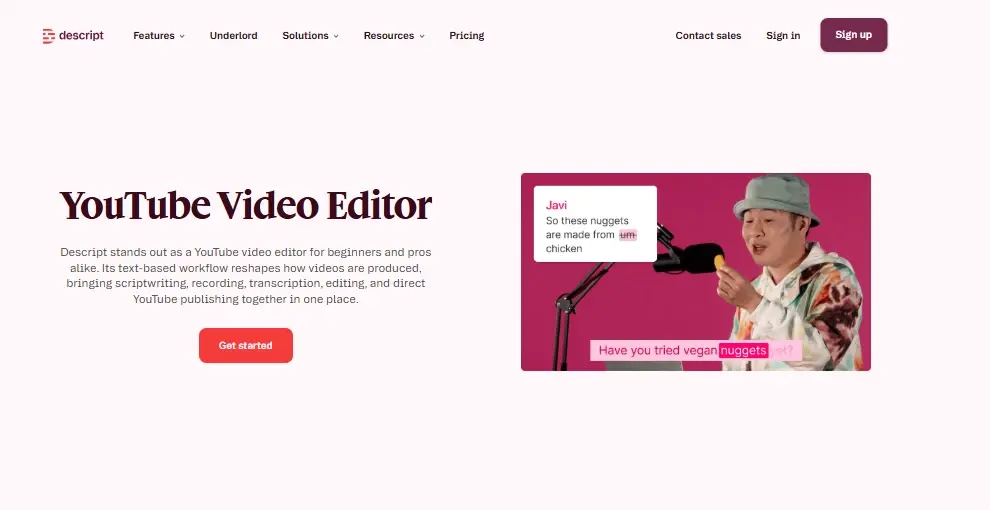
Best for: Interviews, founder videos and spoken tutorials.
Descript makes spoken footage editable through a transcript. Removing words cuts the matching video and audio; moving sentences changes their order. This gives teams a direct way to shorten explanations and organize customer interviews.
Its Underlord AI co-editor can take editing instructions, choose takes, remove fillers and prepare shorter clips. Studio Sound helps reduce noise and echo, and editable captions follow the spoken content. Create Clips suggests highlights from longer recordings for further editing.
The shared project supports comments and edits, which helps a subject expert review the message without sending a separate document. Keep someone responsible for checking that cuts preserve the speaker’s meaning and leave demonstrations easy to follow.
Plans limit media minutes and AI credits per editor. The free plan has limited AI access and watermarked exports. Paid plans offer watermark-free exports, with quality and allowances varying by tier. Additional editing seats cost extra.
Verdict: A practical fit when the spoken message drives the video and several people need to review the wording.
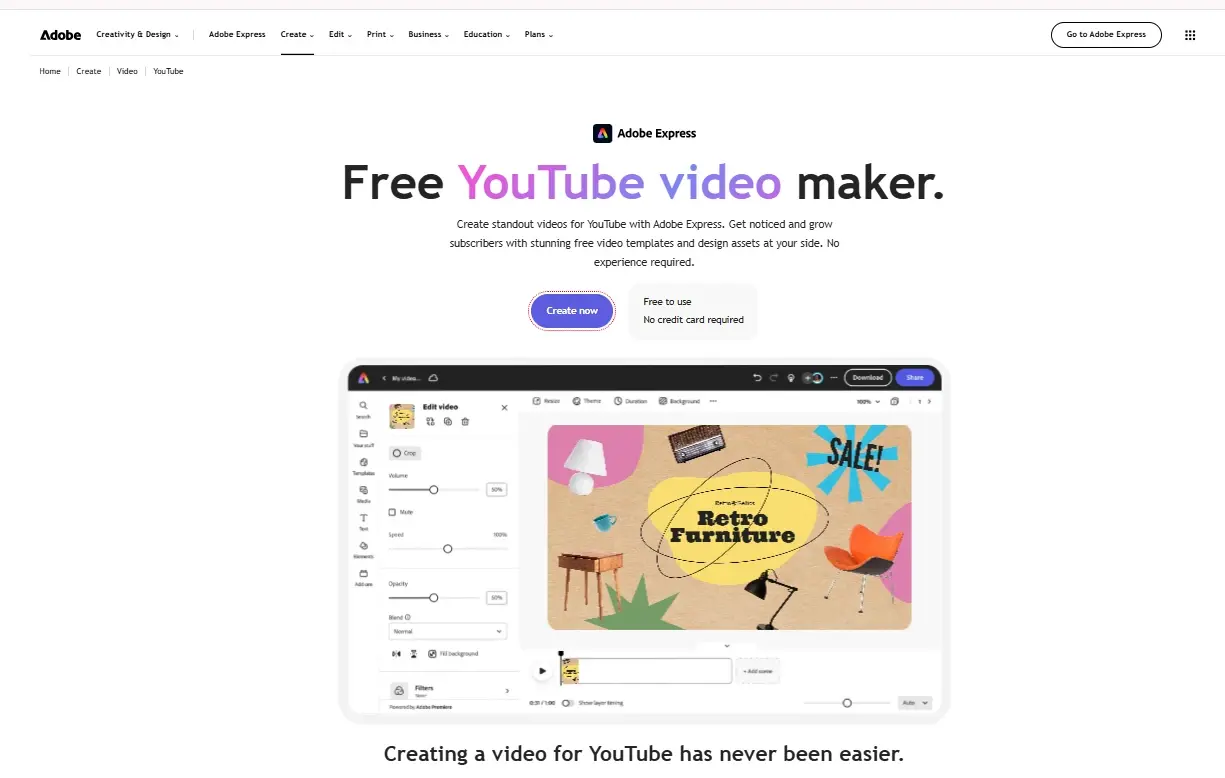
Best for: Teams with an experienced editor and complex videos.
Adobe Premiere combines detailed timeline editing with AI tools for finding footage, tightening dialogue and preparing different formats. Text-Based Editing lets you assemble and trim recordings through a transcript, including unwanted fillers and pauses.
Media Intelligence finds shots from descriptions of their content. Enhance Speech improves dialogue, automatic captions support accessibility, and Auto Reframe helps adapt horizontal footage for vertical versions. The AI Assistant can organize media, assemble first cuts and refine picture and sound through written instructions.
Frame.io brings review links and comments into the workflow. Team Projects supports shared editing with sequence locking, helping teams manage changes across a larger production. This suits videos combining interviews, demonstrations, graphics and carefully finished audio.
The desktop editor requires a subscription after its trial. Established assistive features are included, but AI Assistant and generative actions consume Firefly credits. Allow time for the team to learn the editing and review process.
Verdict: A strong option when your team needs deep editing control and can support a more involved production workflow.
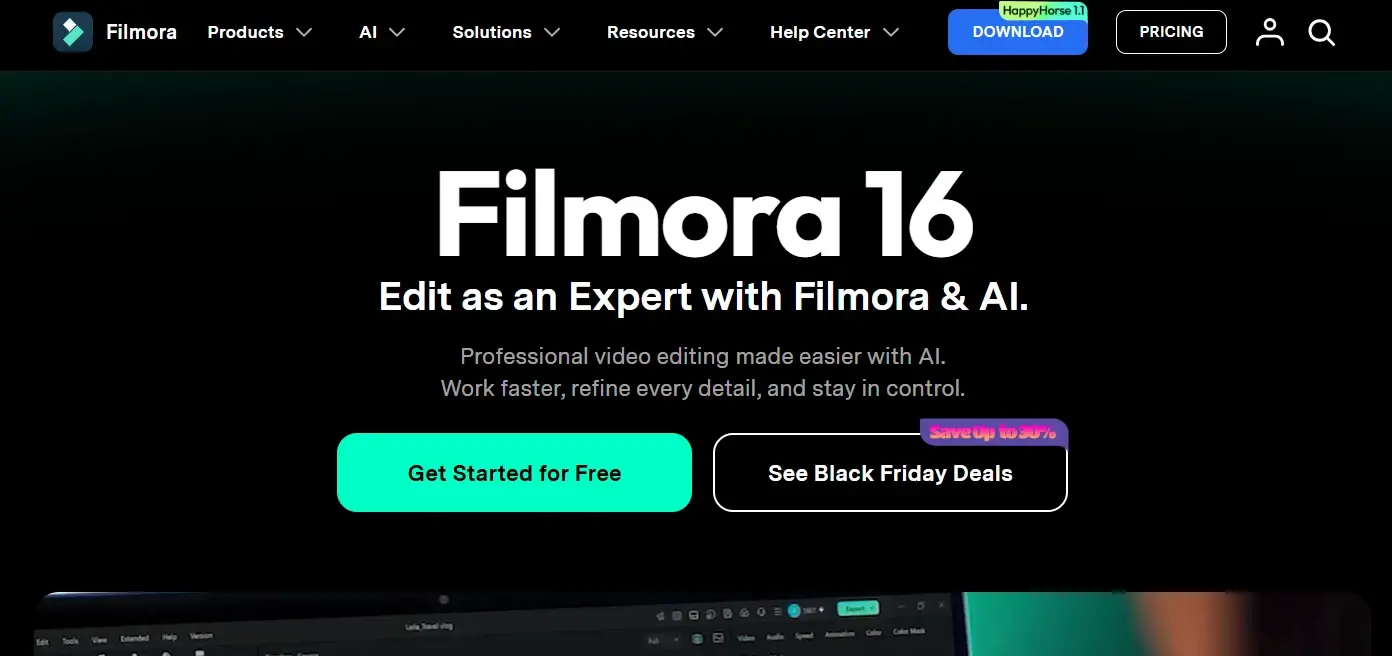
Best for: Regular business videos and shorter social edits.
Filmora’s Windows editor combines a timeline with AI shortcuts for recorded footage. Its AI Text-Based Editing can remove sections through the transcript and cut silent passages, leaving an editable result on the timeline.
Smart Short Clips identifies possible highlights from longer videos. Editors can adjust the length, framing, captions and style before exporting. Manual controls include layered clips, keyframes, multicamera editing, color adjustments, denoising and audio ducking, which lowers music beneath speech.
This mix suits a small team with one main editor handling product demonstrations and recurring updates. Keep shorter versions aligned with your social media marketing plan so the message stays consistent across channels.
Free exports carry a watermark. The Business Plan includes commercial use and multi-user license management, so the company can manage editing access for its team. AI allowances follow the plan and credit rules. Check commercial-use labels before adding supplied or generated assets to marketing work.
Verdict: A useful choice for teams that want familiar timeline editing with AI help for spoken footage and shorter clips.
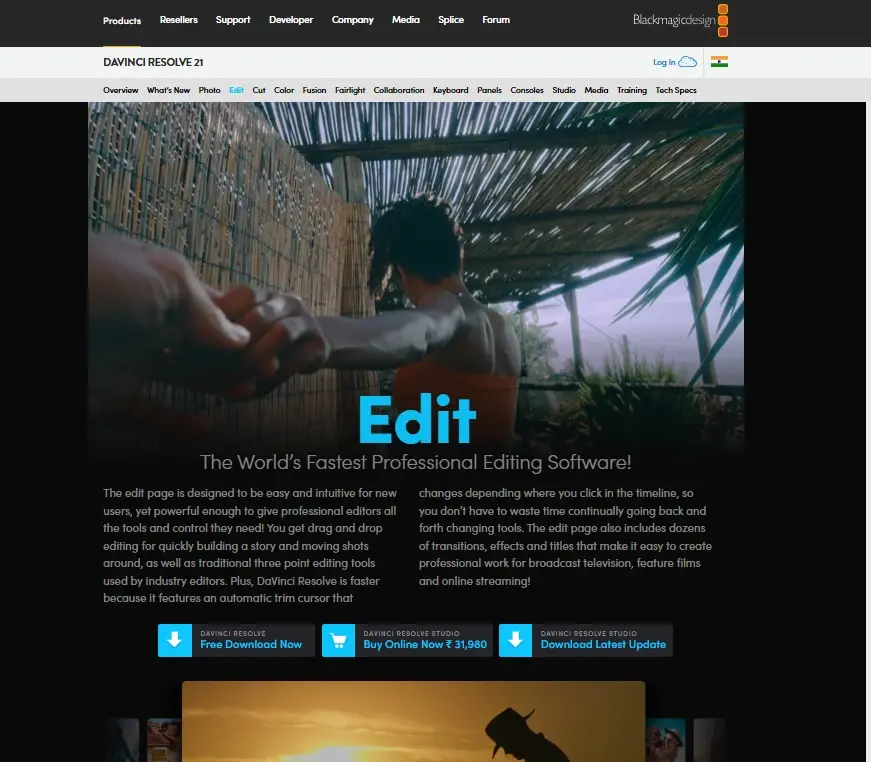
Best for: Detailed finishing and videos with several camera angles.
DaVinci Resolve brings editing, color, effects and Fairlight audio tools into one application. It suits teams that want close control over longer tutorials, customer stories and product films, especially when footage needs careful visual and sound adjustments.
The paid Studio edition adds AI tools such as IntelliScript, which assembles recorded takes against a supplied script. Multicam SmartSwitch proposes camera changes based on speakers and visual cues. Smart Reframe helps prepare vertical versions, and Fairlight Audio Assistant supports audio finishing.
These tools provide an initial pass that the editor can inspect and refine. Keep the focus on clear demonstrations and natural conversations, then adjust the suggested cuts where the story needs more time.
The free version includes substantial manual editing and multi-user collaboration. The named AI features require Studio on desktop. Blackmagic Cloud supports shared projects, but hosted project libraries and storage can add separate charges.
Verdict: A good fit for teams with editing experience that want detailed control and are ready to pay for Studio’s AI features.
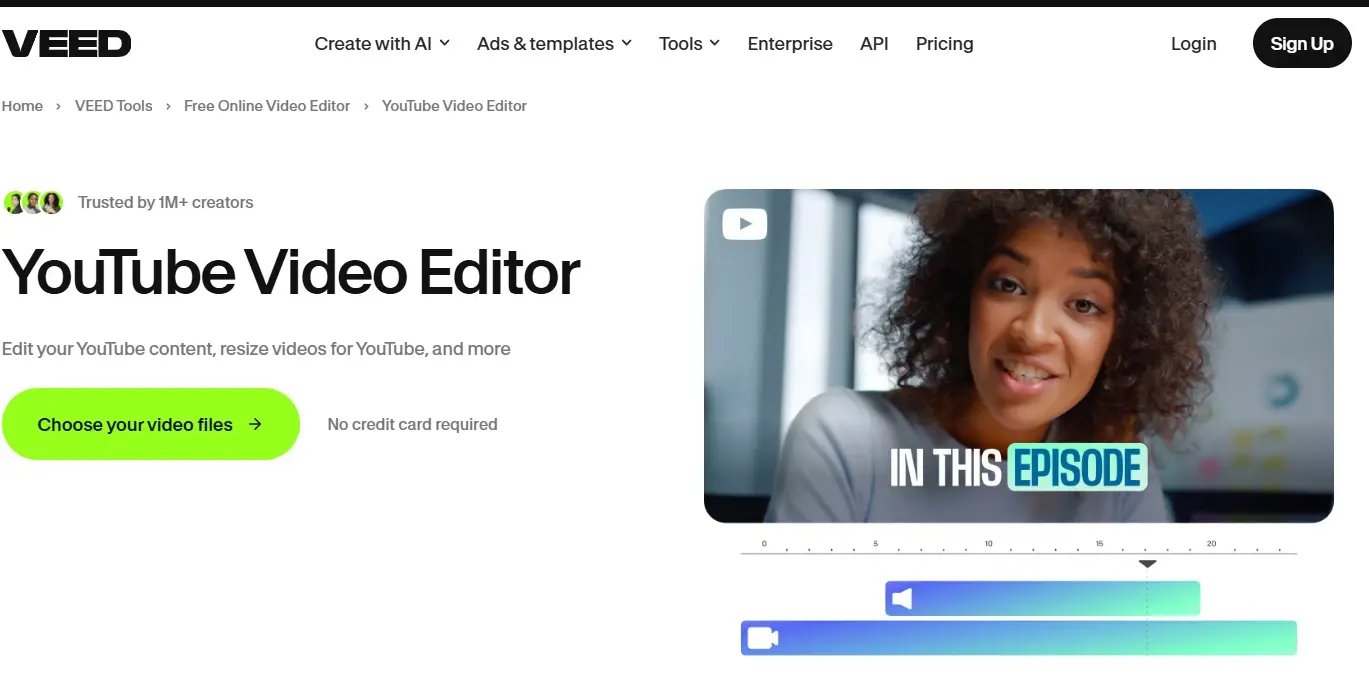
Best for: Browser editing and straightforward team reviews.
VEED combines an online timeline with AI editing commands. Its AI Agent can add and style subtitles, add music, change aspect ratios and remove unwanted pauses through written instructions. Editors can then refine the result manually.
Magic Cut removes pauses, fillers and repeated mistakes from English-language footage. Its cuts remain adjustable. AI Clips finds highlights in longer spoken recordings, adds subtitles and centers the speaker for shorter versions that can be opened in the editor.
Shared projects and timestamped comments help a business owner review a draft and request specific changes. Separate review access also keeps feedback focused without making every reviewer a paid editor.
Magic Cut is available across plans, but AI Clips has only one trial on the free plan. Extra editing seats cost more in paid workspaces. Before choosing a plan, test an export to confirm its quality and whether a watermark appears.
Verdict: A practical option for small teams that value browser access, quick revisions and clear feedback on spoken videos.
Try the same recording in two shortlisted tools. Check caption accuracy, sound, revision time and the full team cost. If videos send viewers to your website, plan for turning those visits into leads with a relevant next step.
Invideo Editor is a strong starting point for teams seeking shared editing, AI assistance and manual control. The other options suit different footage, skills and budgets. Choose the editor that makes your regular publishing process easier to maintain.
Yes. These tools can edit uploaded recordings. AI can help with tasks such as finding clips, shortening speech and preparing captions.
They help with selected tasks. A person should still check meaning, pacing, product details, sound and the final message before publishing.
Yes. Depending on the tool, you can select highlights, change the framing and add captions. Review each short as a complete standalone video.
Check editing seats, AI credits, media allowances, export quality and cloud storage. Review access may be priced differently from permission to edit.


 Seo Admin
Jan 21, 2026
 Seo Admin
Nov 07, 2025
 Seo Admin
Apr 17, 2026
 Seo Admin
Dec 24, 2025
 Seo Admin
Jan 30, 2026