
Get a Customized Solution for Your IT Needs
+91 702-705-8777
info@pansofic.com
55-56, 1st floor, Chandigarh Complex, Prabhu Prem Puram, Ambala Cantt, Haryana 133006






Small business websites are easy targets for attackers, but a clear routine can protect yours. This checklist covers updates, secure hosting, daily backups, HTTPS, and admin access, with warning signs to watch for and practical steps for owners who don’t write code.
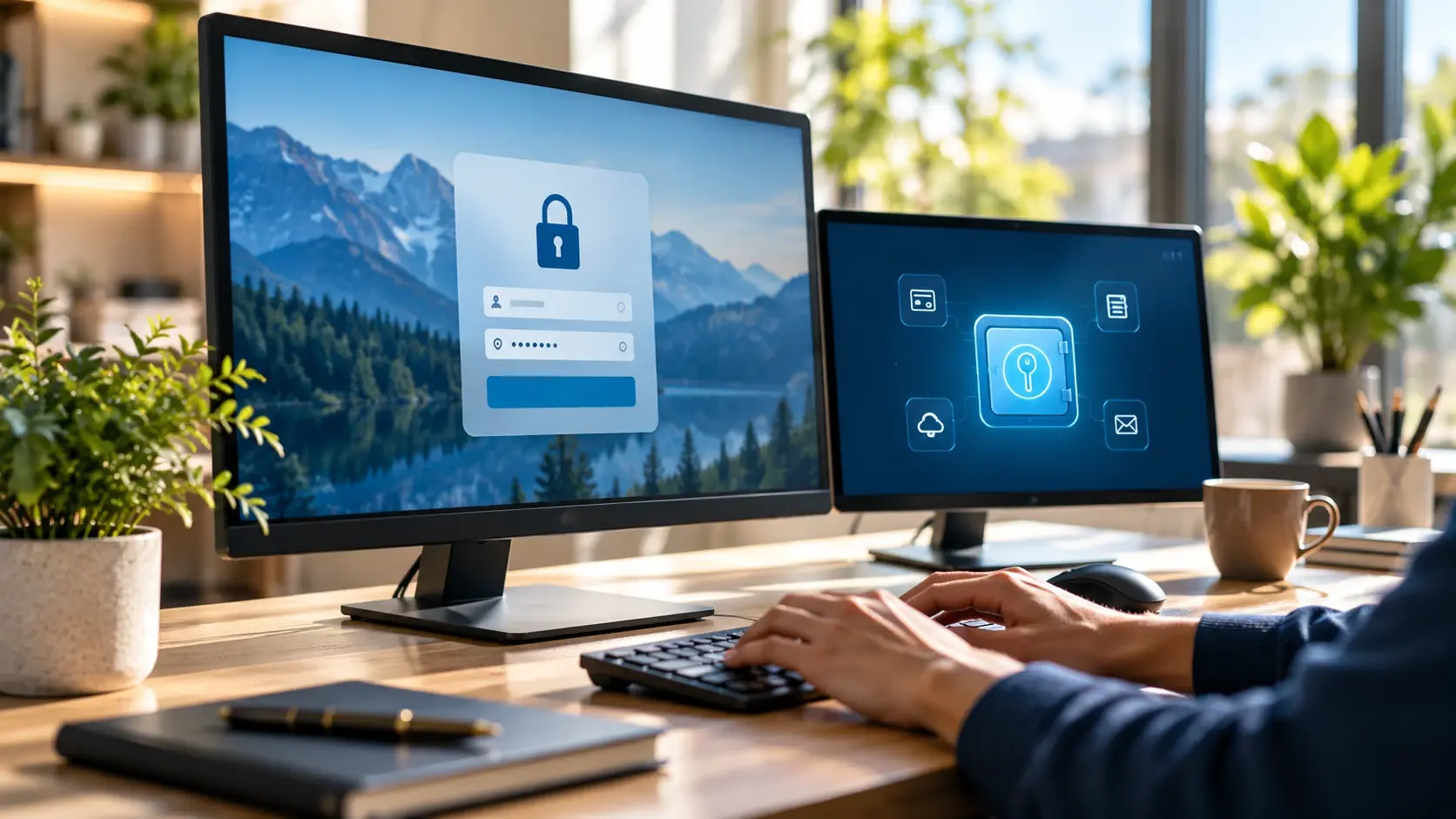
What if one morning you woke up to discover that visitors to your website were being redirected to an unfamiliar site or that Google alerts people not to visit your domain? What if one morning you awoke and found that visitors to your website were being redirected to an unfamiliar site, or that Google warned people not to visit your domain? There was no overnight change in your business. A vulnerability that has been lying dormant for months was finally exploited.
It’s a more common occurrence than most owners realize. It is rare for attackers to randomly select one business and attack it individually. They have automated tools to scan thousands of sites for known weaknesses, and small sites that have weak passwords, outdated software, or no backups are easy to find. It can impact a small company just as much as a big one, and the price of recovery is typically much higher than the price of prevention.
There are also reports on the web about an increase in supply chain attacks on npm packages. The majority of current websites are created from pre-written code libraries, and sometimes, attackers attack these libraries rather than the website. There is no code to read to prevent this risk, but there are questions to ask and a standard or routine to hold your developer to.

This website security checklist for small businesses in 2027 includes five practical areas: updates, hosting, backups, SSL, and admin access. It is written for owners and managers who don’t write code, so you can use it to check your current setup and talk to your developer or web partner about gaps.
Knowing the mindset of an attacker is helpful. They do not usually seek out a specific company. They are searching for quantity and convenience. There are a number of features that can make a small business website attractive:
The repercussions are not always confined to the website. Business emails may end up in the spam folder if the flagged domain is used. Customers might be reluctant to put in an enquiry or make a payment. Your pages could be taken off or demoted by search engines. It takes time and money to rebuild from all this and some of the damage to trust is difficult to repair.
Most websites these days are made up of numerous small chunks of code known as packages. They are distributed via public platforms like npm, and a typical project could rely on hundreds of these packages. Developers are dependent on this system as it saves them a lot of time.
A supply-chain attack does not attack the website itself, but rather the supply chain. A third party could break your developer’s package or create a bogus package with a name that is close to a popular package. Malicious code may enter the project while the developer is installing or updating the package.
This risk can be addressed without getting into the technical details. Have your developer or web maintenance partner ask you three simple questions:
If it is clear and concise, it is a good sign. If the answer is ‘we do everything ’, then ask for a written maintenance plan.
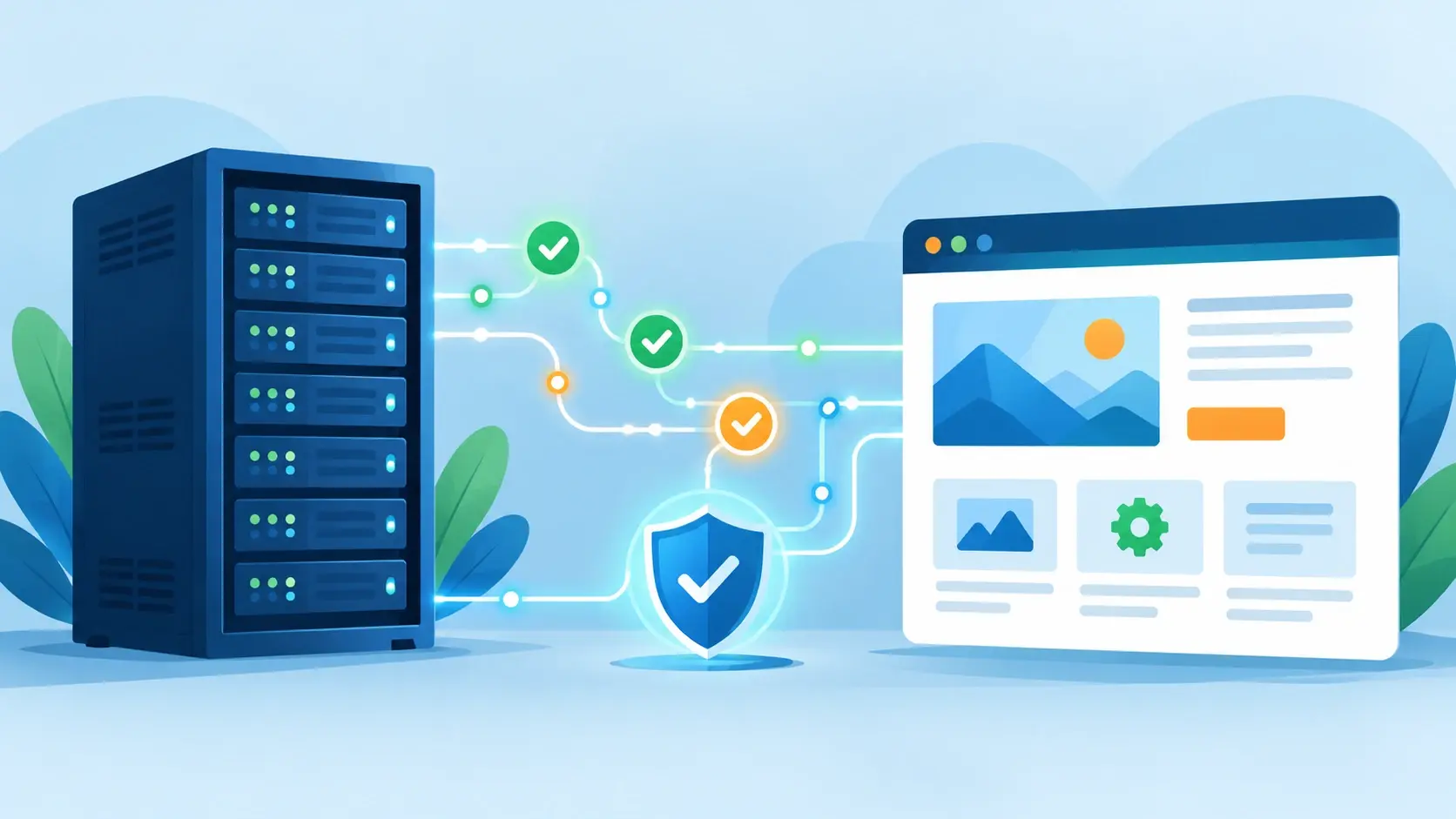
Checklist 1: Ensure that all items are current.
The most common cause of small websites being hacked is outdated software. You need to pay attention to each layer of your website:
Changes should be made on a regular basis, not just when something breaks. Deactivate themes and plugins that aren’t being used, as they may still have vulnerabilities that can be exploited.
Establish a monthly review. At each review, look for updates, test on a copy of the site if possible, and make a brief note of what changed and when. This should be a regular part of a website maintenance plan, rather than an extra service.
Visit the website to verify that it is secure.
Your web hosting company is your first line of defense. When you select a host, or check on the one you are using, you should check for:
Don’t go for the lowest cost shared plan, which might not have any security, backups, or support. The saving of a few bucks per month is hardly worth the risk to your customers, your reputation and your time.
Inquire about data storage and security measures. If you have customers in India, make sure that the hosting arrangement and privacy policies are explicit regarding data location and access.
A backup is only useful if it can be restored in a timely and efficient manner. Business owners often find out that their backups are not complete or damaged after a disaster, when they can’t resolve the issue.
Follow these basics:
Maintain documentation of backup locations, backup restoration procedures and contact information. In case of emergency, that little document is more valuable than any tool.
The technology that encrypts the connection between your visitors and your website is known as SSL. It will be known by the padlock in the browser address bar and by the “https” at the beginning of your web address.
Check that:
It’s no longer a luxury; it’s expected. Visitors see warnings, and secure connections are taken into account by search engines in their presentation of pages.
Most of the website hacks start with a stolen or weak login rather than a software bug. One of the best ways to do this is to protect your admin access, and it’s easy and inexpensive.
Maintain a basic roster of who has what access and make changes as people join and leave the team.
Many bad habits lead to unnecessary risk:
If you see any of these warning signs, review your site as soon as possible:
If you see these signs, take the site offline if necessary, change all passwords, contact your developer and hosting provider, and restore from a clean backup. Don’t just remove the suspicious files and think it’s done. Other entry points may be left behind by infections and need to be closed with a proper review.
Website security is more of a process than a single solution. Pansofic Solutions is a website maintenance, web development, web design, software development, and digital marketing service provider with a head office at Ambala Cantt, Haryana, for businesses. It also has offices in Shimla, Zirakpur (Mohali) and Jammu on its website. The company is ISO 9001:2015 certified, demonstrating that they work in a documented and quality-controlled manner.
Contact the Pansofic team if you want to get a security audit of your existing website, or a monthly maintenance plan to update, back up, and manage access.
You don’t need a lot of technical expertise or a big budget to secure your website. It needs a clear routine: Update software regularly, use a secure web host, back up regularly and test the restore, maintain a secure HTTPS connection, and secure admin access. Use the above checklist and work through it, marking off the boxes for which you do not have a solution and fixing those first.
A secure website ensures that your customers, your reputation, and the time you’ve spent building your business online are safe.
Begin by using the five areas on this checklist: updates, hosting, backups, HTTPS, admin access. If you are not able to verify all five, request a written evaluation of each from your developer or web maintenance company.
Check for updates monthly and install security updates as soon as they are available. Deactivate and delete any themes or plugins that are not in use, as they can still be exploited.
The majority of websites are made from pre-designed code packages. A supply-chain attack involves one of those packages being compromised, or a fake package being published that gets to your site through a trusted tool. Don’t need to know the code to ask your developer how they’re handling the package updates.
Suppose you receive enquiries, orders, or bookings on a daily basis; back up every day. If the site doesn’t change often, a brochure site may be OK with weekly backups. Regardless of your restore schedule, test a restore every few months.
It can be, if the host offers automatic security updates, a web application firewall, malware scanning and responsive support. Don’t get the cheapest plans that don’t have any of these.
Yes. SSL secures the traffic between the visitor and your site, and visitors are alerted to browser warnings if it isn’t installed or has expired. Secure connections are also considered by search engines.
Remove from service if necessary, change all passwords, notify the developer & host provider, and restore from a clean backup. Do not just delete suspicious files, as other entry points may exist.
Only for those who have a need for it in their work. Assign individual logins, only use the lowest level of access needed, and restrict access when people leave the team or their contract expires.
Two-factor authentication means that if a password is compromised, a second action is necessary to log in. Enable it for all admin accounts, hosting accounts, and particularly your email accounts.
The basics can be done yourself, like using a password manager, setting up 2FA, and keeping a register of who has access. Technical tasks like patching software, configuring firewalls, and restoring backups are usually best handled by your developer or a maintenance partner.
The price is based on your hosting, site size, and maintenance requirements. Request a straightforward quotation that spells out exactly what you’ll be paying for each month, such as updates, backups, and monitoring.


 Seo Admin
Jan 21, 2026
 Seo Admin
Nov 07, 2025
 Seo Admin
Apr 17, 2026
 Seo Admin
Dec 24, 2025
 Seo Admin
Jan 30, 2026