
Get a Customized Solution for Your IT Needs
+91 702-705-8777
info@pansofic.com
55-56, 1st floor, Chandigarh Complex, Prabhu Prem Puram, Ambala Cantt, Haryana 133006






Google’s November 2026 core update began rolling out on November 10 and may take up to two weeks to finish. Rankings can shift during this period, so this guide explains what a core update is, why you should wait before judging your Search Console data, and what to check on your website.

Google started rolling out its November 2026 core update on November 10, 2026. It applies worldwide and in all languages, and Google expects the rollout to take up to two weeks. If you run a business website, you may already be seeing shifts in your rankings or traffic. This guide explains what a core update is, what Google has said about this one, and what you should do while it rolls out.
A core update is a broad change to how Google’s search systems rank pages. Unlike a spam update, which targets specific manipulative tactics, a core update changes the overall system. Google makes these changes several times a year, and it announces the larger ones on its Search Status Dashboard.
Because the changes are broad, no single page or site is singled out. A drop in rankings doesn’t automatically mean your site broke a rule or that something is wrong with your pages. It means Google’s system now judges the overall mix of content differently.
Google has described the November 2026 update as a regular update designed to better surface relevant, satisfying content for searchers from all kinds of sites. It has not published new, specific guidance for this release. This is the third core update of 2026, following the earlier updates in the spring.
Google has also repeated its long-standing advice: if your content is written for people and answers their questions well, you don’t need to make special changes for a core update. If your rankings fall, Google suggests reviewing its guidance on creating helpful, reliable, people-first content rather than making quick fixes.
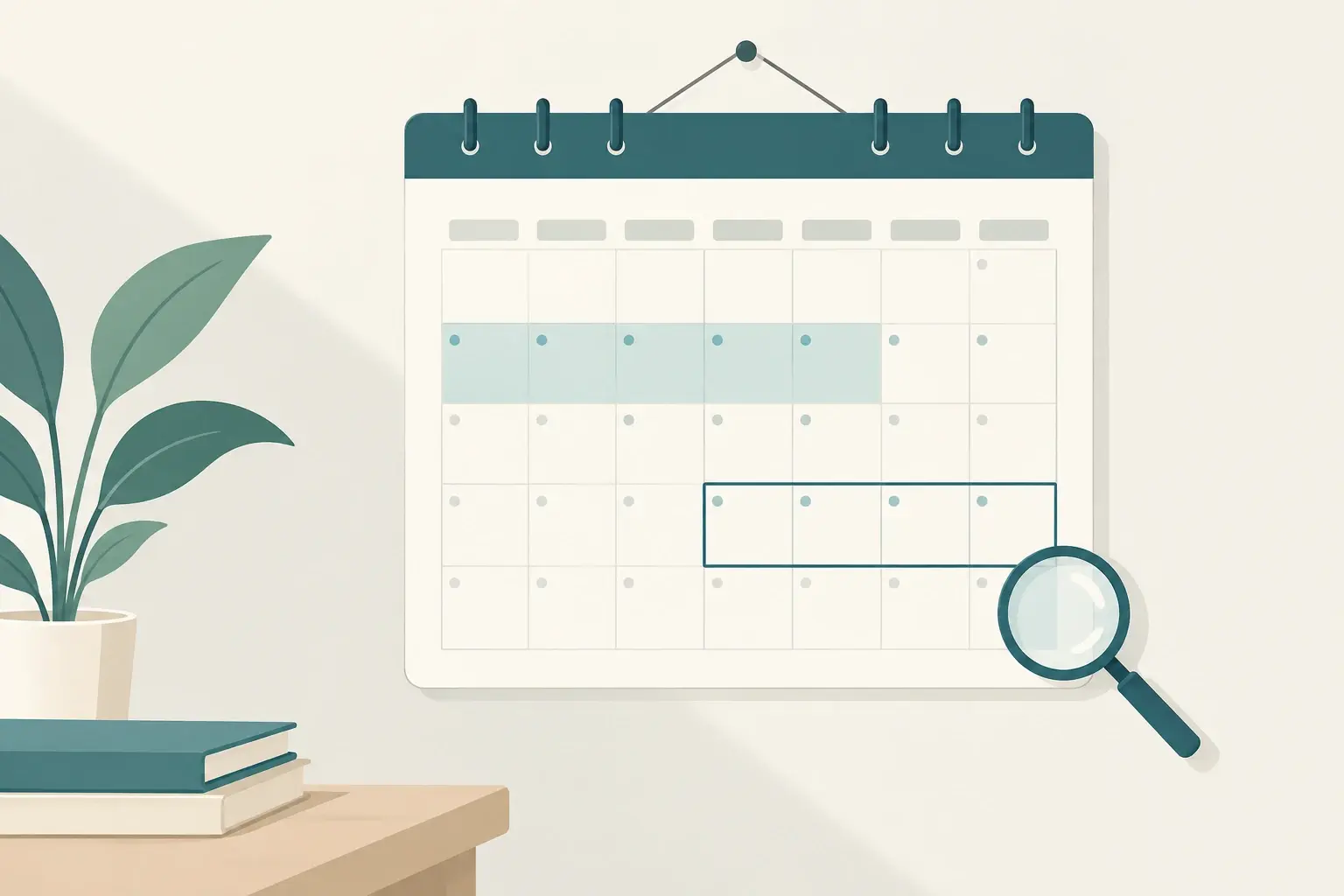
Patience matters here. Changes can appear and then shift as the rollout continues, so checking your numbers daily during the rollout can lead to bad decisions.
Don’t rush to change everything. Sudden, large edits during a rollout make it hard to tell what actually helped or hurt.
Audit for helpfulness, not just keywords. Ask whether each important page answers the question a visitor came with, in clear language, with enough detail to be useful. Thin pages that exist mainly to hold keywords are the most likely to lose ground in broad updates.
Check the basics. Technical problems like slow pages, broken links, duplicate content, and poor mobile layouts make it harder for good content to perform. These are worth fixing at any time.
Review your strongest pages. Look at pages that earn traffic and links. Can they be clearer, more current, or more complete? Improving what already works is usually a better use of time than chasing every fluctuation.
Track recovery over time. Core updates often produce partial recovery between updates, and the biggest changes usually show up after the next core update. A decline in one update doesn’t mean permanent loss.
Looking at the recent history helps set realistic expectations. Google’s 2026 calendar has been busy, with several ranking updates alongside the core releases. The spring core update ran from May 21 to June 2, and the March core update ran from March 27 to April 8. Between those releases and the November update, Google ran several spam updates, including ones in June, August, and September. Industry reporting notes that the November update is among the most frequent kinds of ranking changes Google has announced this year.
Earlier core updates in the previous year followed a similar pattern. The December 2025 update ran from December 11 to December 29, and the June 2025 update ran from June 30 to July 17. The typical rollout takes roughly two to three weeks, so the early days of any update are rarely a reliable signal of the final outcome.
This pattern also explains why many site owners feel whiplash during updates. A page may rise on day three, fall on day six, and settle somewhere new by the end. Treat the final picture, not the daily swings, as the real result.
Core updates can be unsettling because they affect so many queries at once. A single update can change how Google interprets a topic, which sites it considers authoritative for that topic, and which formats it prefers for a given question. A site that did nothing wrong can still lose ground simply because other pages now better match what searchers want.
For business websites, this matters most for pages that drive leads or sales. A service page that once ranked for a broad phrase may now compete with more detailed guides, comparison pages, or pages from larger brands. Understanding this competitive shift helps you respond with strategy rather than panic.
Once the rollout finishes and your waiting period has passed, work through this list in order:
Chasing every fluctuation. Daily rank checks during a rollout create noise. Wait for the data to settle.
Stuffing keywords to win back rankings. Repeating a phrase more often rarely helps, and it often makes pages harder to read. Google’s guidance focuses on whether the content is genuinely useful.
Deleting large amounts of content at once. Removing many pages in a hurry can remove traffic-earning assets without fixing the underlying issue. Review each page on its merits.
Buying links or using shortcuts to recover. Quick fixes tied to manipulation can create bigger problems later, especially during updates aimed at unhelpful or spammy content.
Ignoring user experience. A page can have good information and still fail if it loads slowly, hides the answer behind pop-ups, or is hard to read on a phone.
Blaming the update for everything. Sometimes a drop reflects seasonality, a competitor’s campaign, a broken tracking setup, or a change in search demand. Check these before assuming the update is the cause.
Local service businesses should review location pages, service descriptions, and contact information. Pages that are thin or copied across many cities are often the first to lose ground.
E-commerce stores should pay attention to category and product pages. Holiday traffic will make the post-update comparison harder, so use a seasonally matched baseline and consider year-over-year numbers where available.
Agencies and service providers should check whether their own service pages clearly explain the work, the process, and the outcomes clients can expect. Specific, honest detail usually outperforms generic promises.
Publishers and content sites should look at whether articles answer questions fully, cite credible sources, and are updated when information changes.
Brand-new websites may see more volatility because Google has less history to evaluate. Consistent publishing of helpful content and steady technical care are the best long-term investments.
A core update is not a penalty in the usual sense, and it does not usually target a specific site. It also does not mean Google has stopped valuing search engine optimization. Search visibility still depends on relevance, quality, technical health, and trust. What changes during an update is how those factors are weighed against each other.
It also does not mean you must rebuild your website. In most cases, steady improvements to clarity, depth, and usability produce better results than dramatic overhauls.
The most resilient websites share a few habits. They publish content that is accurate and current. They keep technical foundations clean, with fast pages, working links, and clear navigation. They write with their audience in mind, not search engines. They review performance regularly rather than only when something goes wrong. And they treat search data as feedback about how well they serve visitors.
Building these habits takes time, but they pay off across updates. Each core update is a checkpoint, not the whole story.
The November 2026 core update is a regular, global change to Google’s search systems. Google’s message hasn’t changed: write for people, answer their questions well, and avoid chasing short-term ranking tricks. Wait for the rollout to finish, give your data a full week to settle, and then make decisions based on what the numbers show.
What is the November 2026 core update?
It is a broad update to Google’s search ranking systems. Google says it applies globally, to all languages, and is designed to better surface relevant, satisfying content. It started on November 10, 2026.
How long will the rollout take?
Google says it may take up to two weeks to complete. That would put the expected finish around November 24, 2026. Google will update its ranking release history page once it is complete.
Will my website be affected?
Possibly. Core updates can raise, lower, or leave rankings unchanged. Most sites see some movement, and the direction depends on how their content compares with other results for the same searches.
Should I make changes while the update is rolling out?
It is usually better to wait. Changes made mid-rollout are hard to evaluate, and the rollout may still shift your results. Use the waiting period to audit and plan.
When should I check my Search Console data?
Google recommends waiting at least a full week after the rollout is complete. Then compare that week with a week before the update started, which for this release means a week before November 10.
Does Google give specific fixes for this update?
Google has not published new guidance specific to the November 2026 update. Its general advice is to focus on helpful, reliable, people-first content and to review its guidance on that topic if your rankings fall.
Is a drop in rankings a penalty?
Not usually. Core updates adjust how Google evaluates content broadly. A drop does not necessarily mean your site violated a policy or has a hidden problem.
What if my traffic falls after the update?
First confirm the rollout is complete and your data is comparable. Then identify which pages, queries, and devices were affected. Look for patterns, compare with competitors, and make targeted improvements. Recovery often comes gradually, and the biggest shifts tend to appear after the next core update.
Can I recover quickly?
Some sites see partial recovery between updates, but there is no guaranteed timeline. Focus on steady improvements rather than expecting an immediate reversal.
Do I need to rewrite all my content?
No. Start with the pages that matter most to your business and those that declined. Improve accuracy, clarity, and completeness first. Wholesale rewrites are rarely necessary.
Does this update affect paid search ads?
Core updates affect organic search results, not paid advertising. Ad performance will not change because of this update, though changes in organic rankings can affect how much traffic you get from search overall.
How often do core updates happen?
Google typically rolls out core updates several times a year and sometimes releases smaller, unannounced updates. The pace has varied, and many site owners would like more frequent updates, but the timing is set by Google.
Does the holiday season make this harder to measure?
Yes. The week after the rollout includes Thanksgiving, Black Friday, and Cyber Monday, which can distort comparisons. Where possible, use seasonally similar baselines or year-over-year data.
Should I hire help to respond to the update?
If you lack the time or internal expertise to analyze your data and improve your content, an outside partner can help. Look for a team that explains its reasoning, focuses on content quality and technical health, and avoids promises of guaranteed rankings.
What is the single most important thing to do right now?
Be patient, let the rollout finish, and then review your data carefully. Prioritize helpful content for real visitors, and make decisions from the full picture rather than early fluctuations.
If your website needs a content audit, technical review, or a plan for the post-update period, contact our team at Pansofic Solutions to talk through your options.


 Seo Admin
Jan 21, 2026
 Seo Admin
Nov 07, 2025
 Seo Admin
Apr 17, 2026
 Seo Admin
Dec 24, 2025
 Seo Admin
Jan 30, 2026